Free meme tools that run in your browser

Meme Tap is best known for its sound buttons, but a good meme often needs a bit more work: a caption on a photo, a clip cut from a longer recording, or a sound turned into something you can post as a video.

The tools

Meme caption generator

Meme caption generator

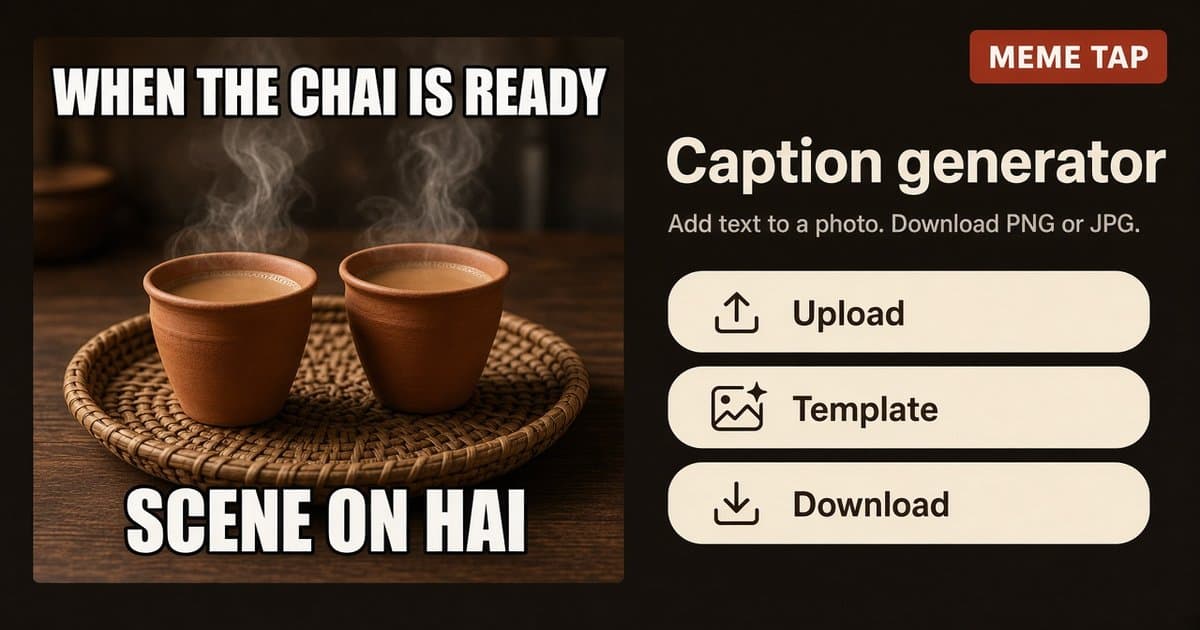
Use the meme caption generator to add top and bottom text to any picture. Upload a JPG, PNG or WebP up to 12 MB, or start from a template or suggested photo, then download a PNG or JPG.

Good for: Quick reaction images for WhatsApp, group chats and Pakistani jokes in Roman Urdu.
Online audio trimmer

Online audio trimmer

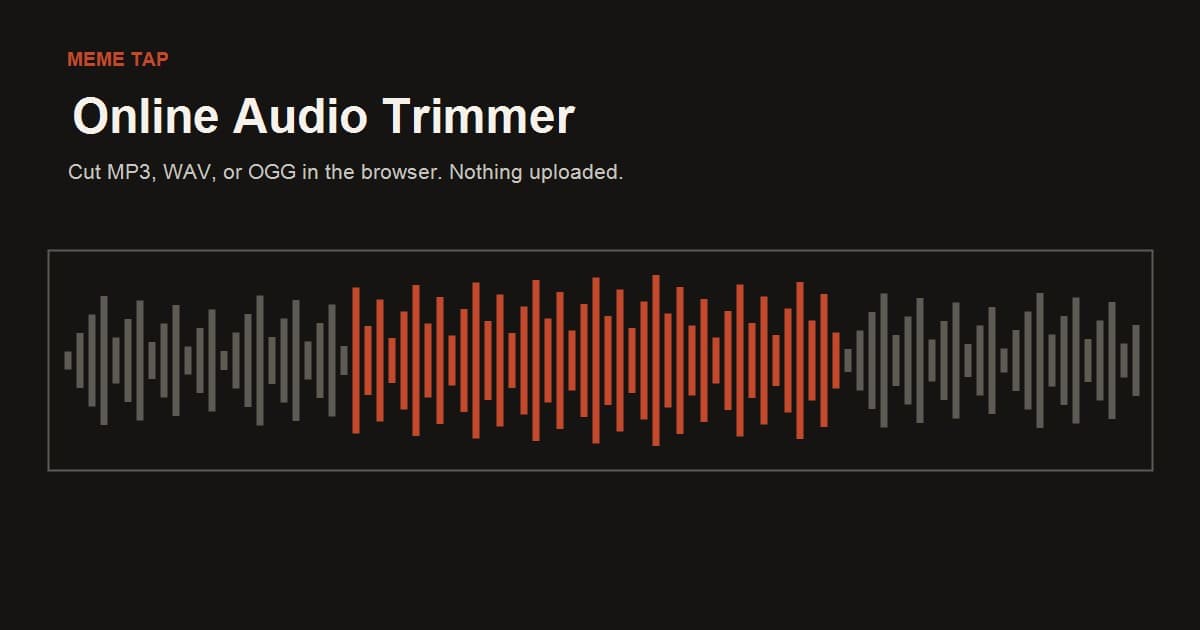
The online audio trimmer cuts a voice note, reaction or sound effect down to the part you need. Drop in an MP3, WAV or OGG up to 40 MB, preview the clip, and download WAV or MP3.

Good for: Discord soundboard clips, short TikTok, Reels or Shorts sounds, and cutting out a punchline.

Audio visualizer

Audio visualizer

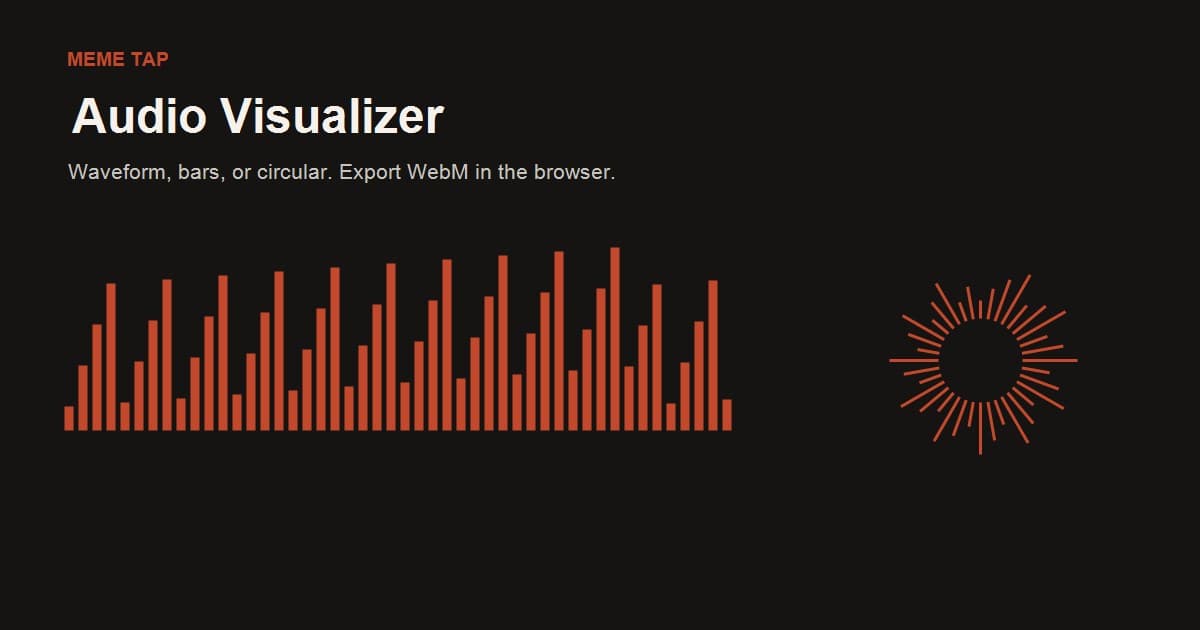
The audio visualizer turns a sound into a moving waveform, bar or circular video. Drop in an MP3, WAV or OGG up to 40 MB, preview it live, and export a WebM video with the audio.

Good for: Posting a sound as a video on social media, in Stories or for a podcast.

How to use Meme Tap tools

  1. 1

    Pick a tool

    Pick a tool from the list above.

  2. 2

    Add your file

    Upload a photo or drop an audio file. It is read inside your browser tab and is not sent to Meme Tap.

  3. 3

    Make your edits

    Type and place captions, drag the trim handles, or choose a visualizer style and frame size.

  4. 4

    Preview

    Preview the clip, video or image before you save it.

  5. 5

    Download

    Download the result. It goes to your device's usual downloads folder.

Nothing is saved to an account. If you refresh the page, unsaved work is cleared, so download your file before you leave.

What people use them for

Only edit and share photos and audio you have the right to use. A download isn't a licence, and each platform's rules still apply.

Frequently asked questions

Are Meme Tap tools free?

Yes. Every tool on this page is free to use, and you don't need to sign up or log in.

Are my photos and audio files uploaded?

No. Each tool reads your file inside the browser tab. Editing, preview and export happen on your device.

Which file types do the tools accept?

Each tool page lists what it accepts. The caption generator takes JPG, PNG and WebP images up to 12 MB (convert HEIC photos to JPG first). The audio trimmer and audio visualizer take MP3, WAV and OGG files up to 40 MB.

What do I get when I download?

The caption generator saves a PNG or JPG. The audio trimmer saves a WAV or MP3. The audio visualizer saves a WebM video with the original audio.

Why won't my OGG file open, or why is video export unavailable?

Both depend on your browser. Not every browser can read OGG files, so if one won't open, convert it to MP3 or WAV and try again. The visualizer exports a WebM video, which needs browser support for recording video. If export is unavailable, the preview still works, and you can try another browser.

Can I use the tools on my phone?

Yes, the pages work in a mobile browser. The file limits above still apply, and some phone browsers can't open OGG files or export video.

Can I add a sound from Meme Tap to a tool?

Yes. Open any sound button page, press Download to save the MP3, then drop it into the audio trimmer or the visualizer.

Find sounds to use

Find the sound, cut the line, add the caption, and post it. These tools handle the small edits that turn a sound or a photo into a meme worth sharing. If a tool doesn't do what you expected, or you have an idea for a new one, tell us through the contact form.